

Inviting team members
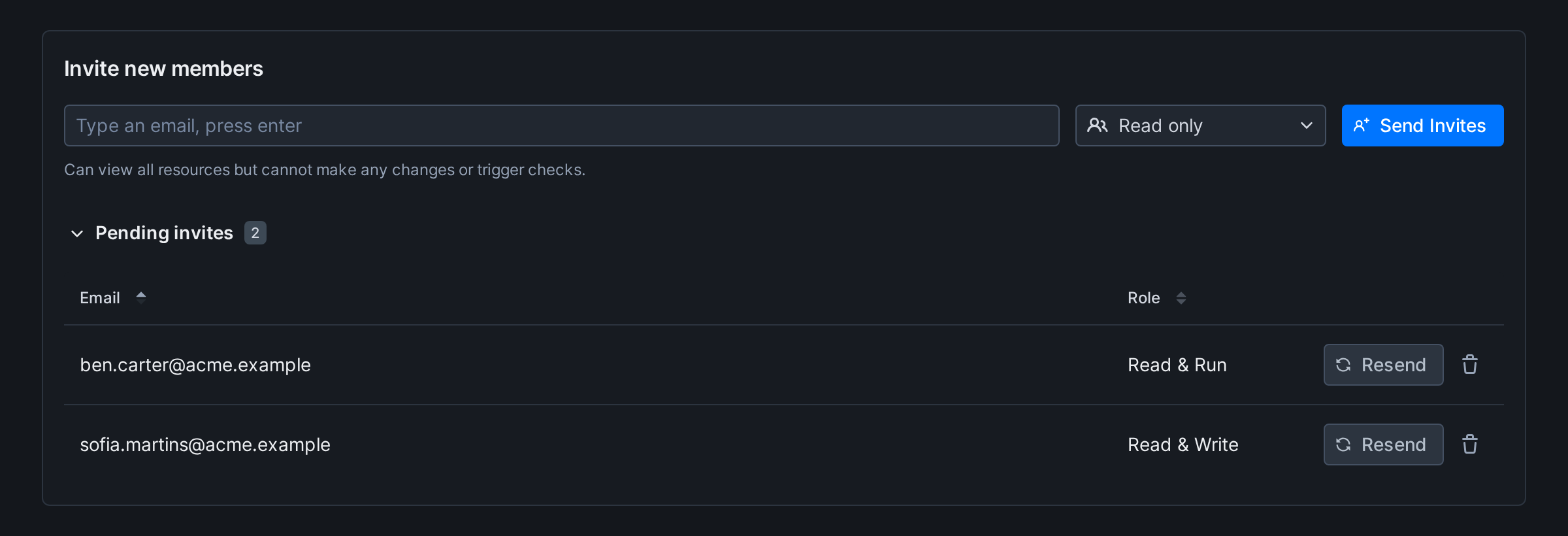
Go to the Members section of your account overview. Add the email address of each user you want to invite. The invitation shows in Pending invites, under the form, until it’s accepted, and you can resend or remove it there. It’s valid for 30 days.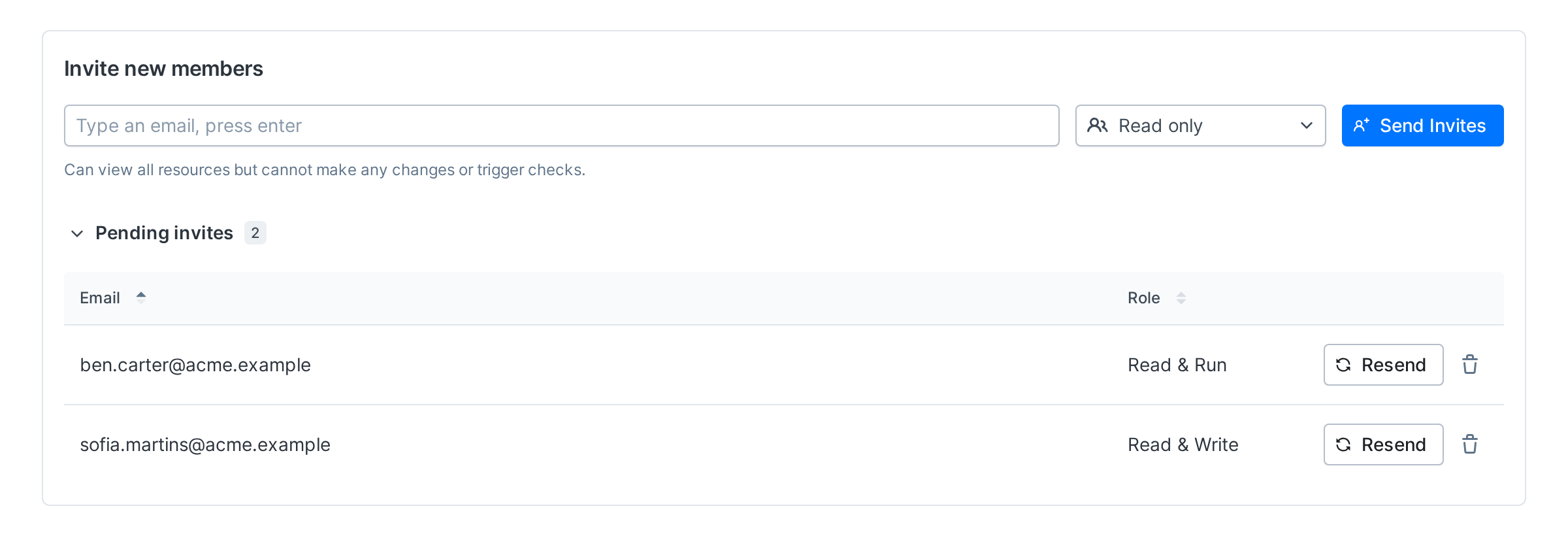
Accepting invites
If you’re invited by a teammate, you will get an email with a link to an invite page. This link contains a unique, single-use token that allows you to join the team.
If the invited user doesn’t receive the email, their address may be on our email suppression list. Please email support@checklyhq.com for help with this.